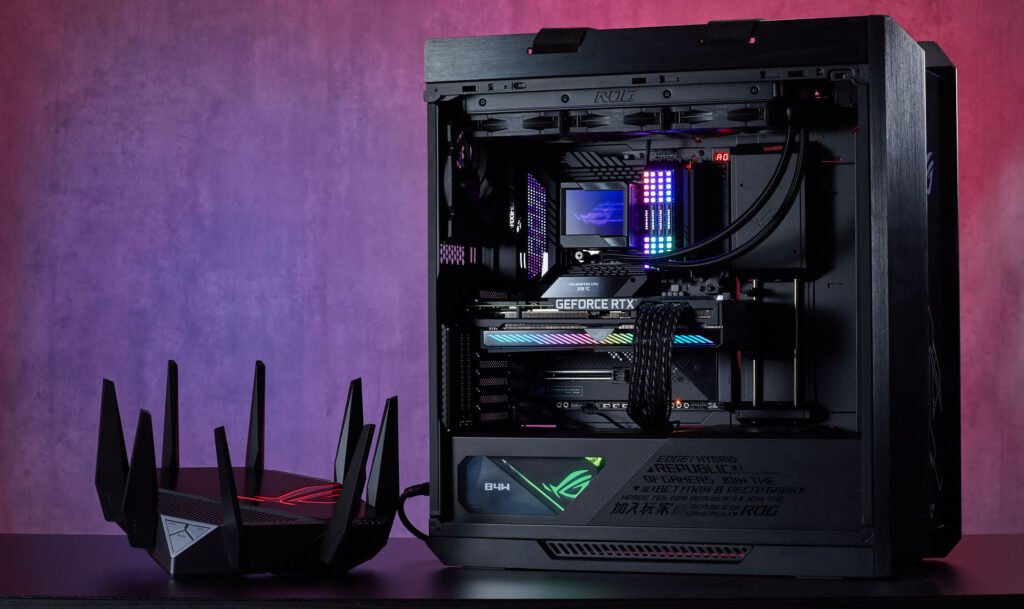

In competitive online gaming, skill is only part of the equation. Even the best players can lose if their internet connection can’t keep up. Lag spikes, high ping, and unstable connections don’t just ruin your experience — they can cost you matches, rankings, and tournament spots. The good news? A few smart changes can give your setup the stability and speed it needs to perform at its peak.
Beat lag and boost performance with these internet Connection optimization tips for online gamers
Before you tweak your equipment or settings, make sure you’re starting with a solid foundation. That means choosing from reliable internet providers that can offer both the speed and stability competitive gaming demands. Once you’ve got that in place, it’s time to fine-tune your connection for the best results.
Understand the Key Metrics That Matter
Many gamers only look at download speed when judging internet quality. In reality, there are three equally important factors for online gaming:
- Ping (Latency) — The time it takes for your device to send and receive data from the game server. Lower is better, ideally under 30 ms for competitive play.
- Jitter — The consistency of your connection. Even with a low average ping, high jitter can cause sudden spikes and lag.
- Upload Speed — Critical for sending game data to servers in real time, especially in fast-paced multiplayer titles.
A connection that’s fast but unstable will still leave you at a disadvantage.
Go Wired for Internet Connection Whenever Possible
Wi-Fi is convenient, but it’s also vulnerable to interference from walls, household electronics, and other networks nearby. Even with a top-tier router, wireless gaming introduces more latency and jitter than a direct connection.
For the best possible stability:
- Connect your PC or console directly to the router using an Ethernet cable.
- If you can’t run a cable, use a powerline adapter to send data through your home’s electrical wiring.
- If Wi-Fi is unavoidable, position your router close to your gaming setup and use the less-crowded 5 GHz band.
Optimize Your Router Settings
Modern routers come with features designed to prioritize gaming traffic — but you need to enable them.
- Quality of Service (QoS) — Lets you prioritize your gaming device over other devices on the network.
- Gaming Mode / Game Accelerator — Available on some gaming routers, this reduces latency by streamlining data routes.
- Firmware Updates — Manufacturers often release updates that improve performance or fix connectivity issues.
Log in to your router’s admin panel and explore these options. Small tweaks can make a noticeable difference.
Reduce Network Congestion at Home
Your internet speed is shared between every device connected to your network. If someone’s streaming 4K movies or backing up files to the cloud while you’re gaming, you’ll feel it.
To avoid bottlenecks:
- Ask household members to pause large downloads or streaming during your matches.
- Schedule software updates for off-peak hours.
- Disable background applications on your gaming device that may be using bandwidth.
Choose the Right Game Server
Even with a strong connection, playing on a server that’s physically far away can increase latency. Many games let you manually select a server or region — always choose the closest one to your location.
If you’re competing in international events where you must connect to distant servers, consider:
- Using a gaming-optimized VPN that routes traffic more efficiently.
- Testing different VPN server locations to find the one with the lowest ping to the game server.
Monitor and Troubleshoot Regularly
Internet performance can change over time due to network upgrades, outages, or local congestion. Regularly test your connection to spot problems early.
Look for:
- Consistent ping and jitter results
- Upload and download speeds that match your plan
- Any sudden drops in performance during certain times of day
If issues arise, contact your provider with documented test results. They may be able to adjust your routing or resolve technical faults.
Don’t Overlook Hardware Quality
Your connection is only as strong as the weakest link in your setup.
- Use a modern router that supports the latest Wi-Fi standards (Wi-Fi 6 or higher).
- Replace old Ethernet cables with Cat 6 or better.
- Keep networking equipment cool and dust-free to prevent overheating.
A smooth, stable connection won’t instantly make you a better gamer — but it will make sure your skill is the deciding factor, not your internet speed. By choosing the right provider, minimizing interference, and fine-tuning your setup, you’ll have the low-latency, high-reliability connection competitive gaming demands. And when milliseconds matter, that can be the difference between victory and defeat.